Creating a home workspace that combines comfort and functionality is essential for staying productive and motivated, especially if you spend several hours working from home. A well-designed workspace not only enhances focus but also makes the workday more enjoyable. In this guide, we’ll explore practical tips to help you create a cozy and efficient home office setup.
Choose the Right Location
Find a Quiet Corner
The first step is selecting a spot with minimal distractions. Ideally, pick a quiet corner or a separate room where you can concentrate and have some privacy.
Consider Natural Light
Natural light can boost your mood and energy levels. Position your desk near a window if possible, but avoid glare on your computer screen. If natural light is limited, invest in quality lighting to keep your space bright.
Invest in Comfortable Furniture
Ergonomic Chair
A supportive chair is crucial to prevent back pain and stiffness. Look for one with adjustable height, good lumbar support, and comfortable cushioning.
Functional Desk
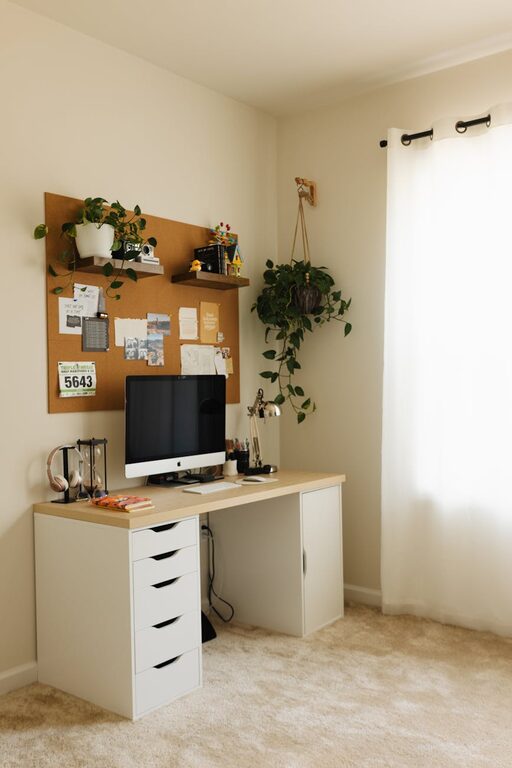
Choose a desk that fits your space and accommodates your work essentials such as a laptop, monitor, and stationery. Desks with built-in storage can help reduce clutter.
Organize Your Workspace Efficiently
Declutter Regularly
Keep only the items you use daily on your desk. This practice reduces distractions and creates a cleaner workspace.
Use Storage Solutions
Use shelves, drawer organizers, and file holders to keep paperwork and supplies neatly stored. This will make your workspace easier to maintain.
Personalize Your Space
Add Comfort Elements
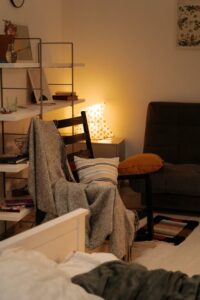
Incorporate cozy items like a soft throw blanket, cushions, or a small rug. These add warmth to your workspace.
Decorate Thoughtfully
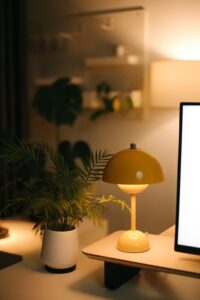
Add plants, artwork, or personal photos that inspire and make you feel at ease. Avoid overcrowding to maintain a balanced environment.
Manage Your Technology Setup
Optimize Screen Position
Position your monitor at eye level to reduce neck strain. Use a stand or adjustable arm if needed.
Cable Management
Use cable organizers or clips to keep cords tidy and prevent tangling. A clean desk surface can improve focus.
Choose Tech Wisely
Select devices that suit your work needs. Wireless accessories help reduce clutter.
Create a Routine and Boundaries
Set Work Hours
Establish clear working hours to separate your work and personal life, avoiding burnout.
Take Breaks
Incorporate short breaks to stretch and rest your eyes. Consider setting alarms or using apps that remind you to pause.
Enhance Productivity with Tools
Use Task Managers
Digital task managers or planners can help you organize your daily activities efficiently.
Minimize Distractions
Use noise-canceling headphones or white noise machines if background sounds are distracting.
Prioritize Good Ventilation and Air Quality
Fresh air improves concentration and wellbeing. Open windows regularly or use an air purifier to keep air fresh in your workspace.
Maintain Cleanliness
A clean workspace encourages productivity and reduces stress. Wipe down surfaces regularly and keep electronics dust-free.
Final Thoughts
Designing a cozy and functional home workspace is about balancing comfort with practicality. Every person’s needs are unique, so tailor your setup to what helps you feel productive and relaxed. With thoughtful planning and some creativity, your workspace can become a place where you look forward to working each day.